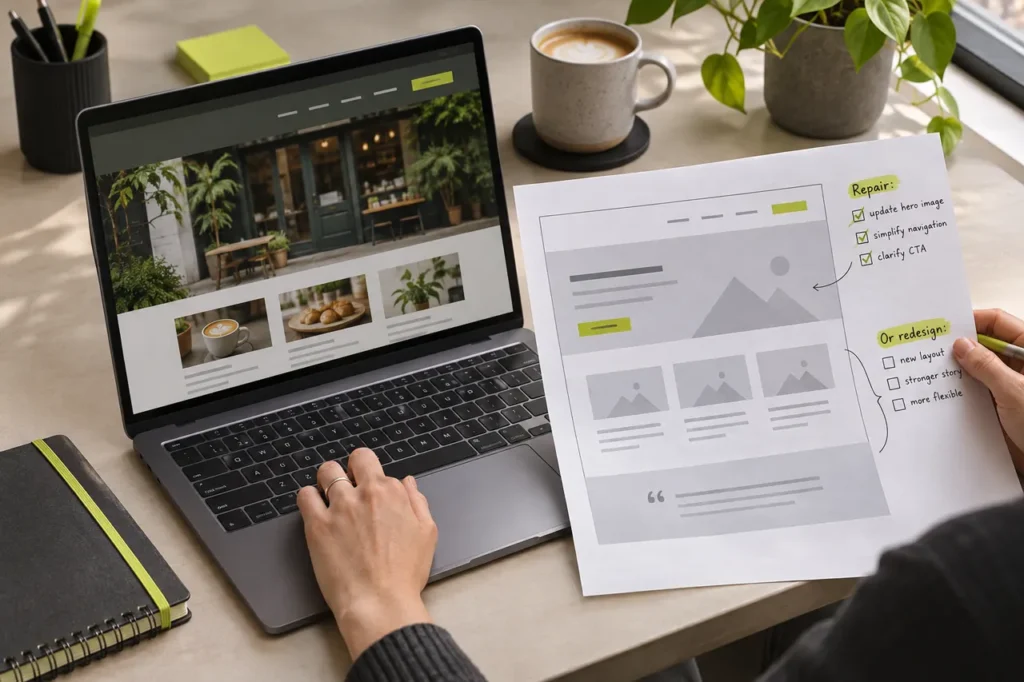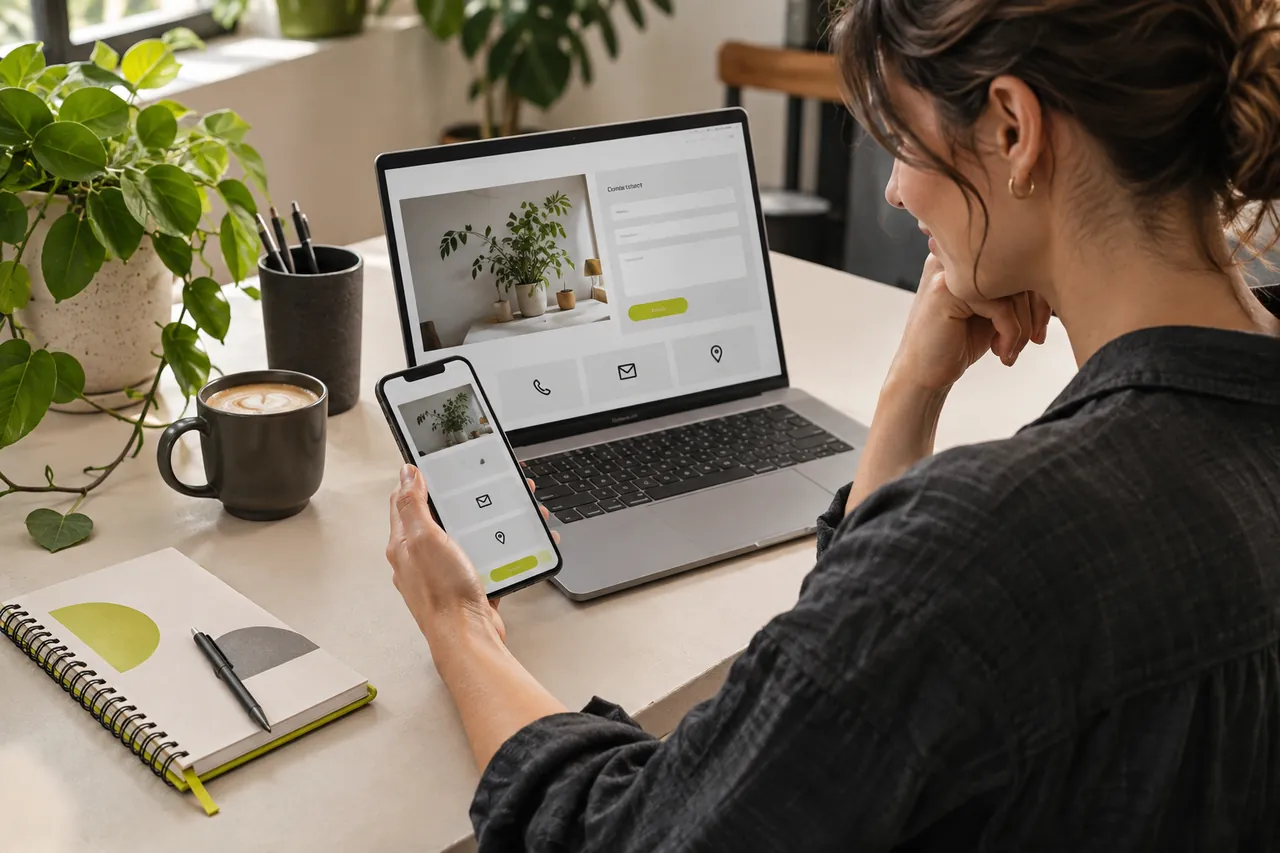
A website can receive visits without generating enquiries when the traffic is poorly matched, the offer is unclear, visitors cannot find enough proof or the contact process fails. Check those four areas before assuming you need more traffic. More visits to an unclear or broken journey can simply create more missed opportunities.
The first question is whether the right people are reaching the right pages. A useful technical tutorial can attract readers who are learning, while a service page should help a potential customer decide whether your business can solve their problem.
Are those visits from potential customers?
Look at the pages receiving traffic and the search queries behind them. Separate people researching a general topic from people looking for a service you actually provide. Also check whether the visitor’s location matches the markets you serve.
At CyberDesign, our Search Console baseline showed that an older coding tutorial attracted far more impressions than most service-related content. That does not make the tutorial unsuccessful. It means its readers have a different immediate need. A relevant link to development help is more useful there than treating every reader as a ready-to-buy lead.
Can someone understand your offer in a few seconds?
Your opening section should explain what you do, who it is for and what the next step involves. Replace vague promises with information that helps a visitor recognise their situation. A service business might need its service area and booking process; a software buyer might need the core workflow and an explanation of how a project is scoped.
Then check the page below the headline. Specific deliverables, relevant examples and a clear process help answer the questions that come before an enquiry. Our guide to conversion-focused web design explains these decisions in more detail.
Is the contact path easy on an actual phone?
Open the site on a phone and try to contact the business without using prior knowledge. Is the button visible? Does it lead to the expected form? Are the fields readable? Does the visitor know what information to send and what happens next?
Ask for enough information to route the enquiry, without turning a first conversation into a lengthy application. For a project enquiry, a short description of the problem and a useful way to reply are more important than collecting every detail at once.
What did we check in our own studio rebuild?
During our studio website rebuild, we configured the native WordPress contact form to send enquiries to the intended mailbox and verified one real test message in that mailbox. We also checked the mobile menu’s WhatsApp destination and kept the contact choices consistent across the site.
The result we can document is a working delivery path and correct links. We did not use a success message alone as proof that an email arrived, and we have not claimed an increase in enquiries from that test. It is a small example of checking the whole process rather than only the appearance of the button.
What should you improve first?
Choose the earliest broken step: irrelevant landing traffic, unclear information, missing reassurance or a difficult contact journey. Make a focused improvement, then record whether the intended action changes. Compare meaningful enquiries and their relevance alongside visits.
CyberDesign can review the page and contact flow, explain what is getting in the way and help prioritise the work. Send us your website and the enquiry problem you are seeing.